Point of sale · demo preview
Capybara
Point of sale for pubs, bars, restaurants and hotels.
For pubs, bars, restaurants and hotels. Sized by the number of terminals.
Demo preview. Capybara will be hosted at this address. The screens on this page are from its demo: the businesses and people in them are made up.
What it does
Point of sale, done properly.
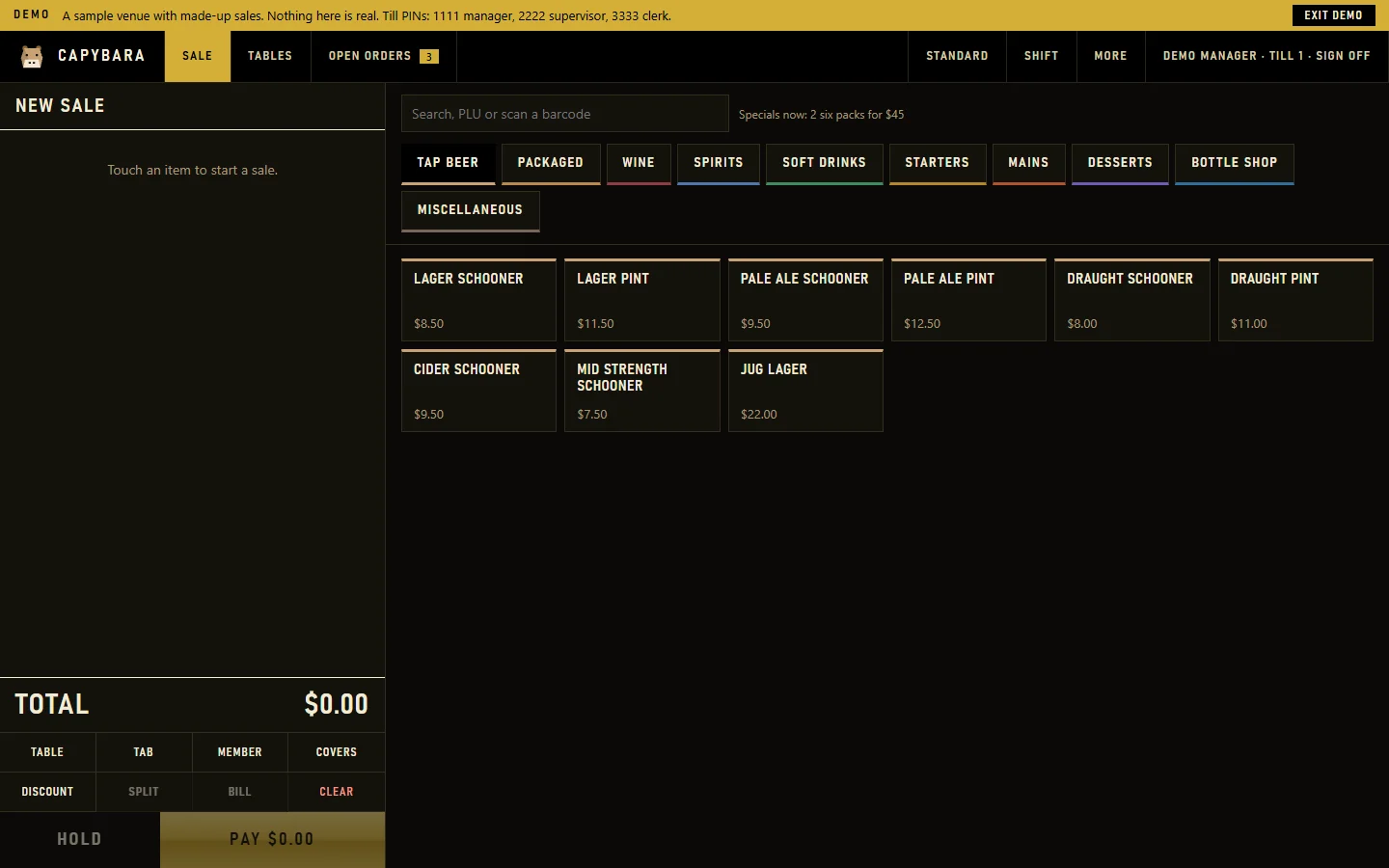 The till
- Till with tables and tabs
- Kitchen screens
- Price levels and happy hours
- Stock and suppliers
- Members, points and reports
In detail
Inside Capybara.
- The till
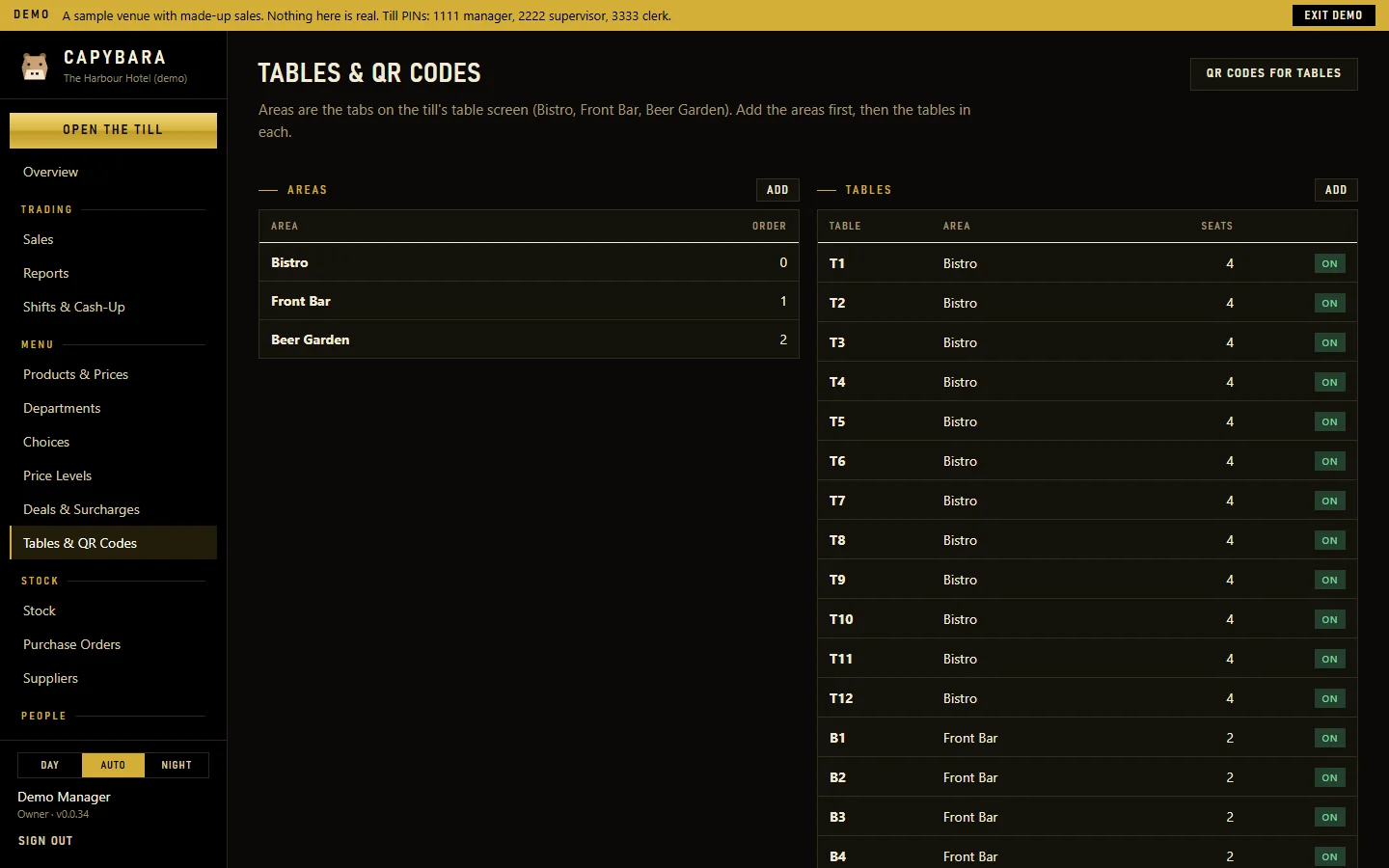
- Department and product buttons, search and barcode entry, choices such as how cooked or which mixer, tables by area and named tabs.
- Payments
- Cash with change, EFTPOS, member accounts, points and room charge, with part payments across types.
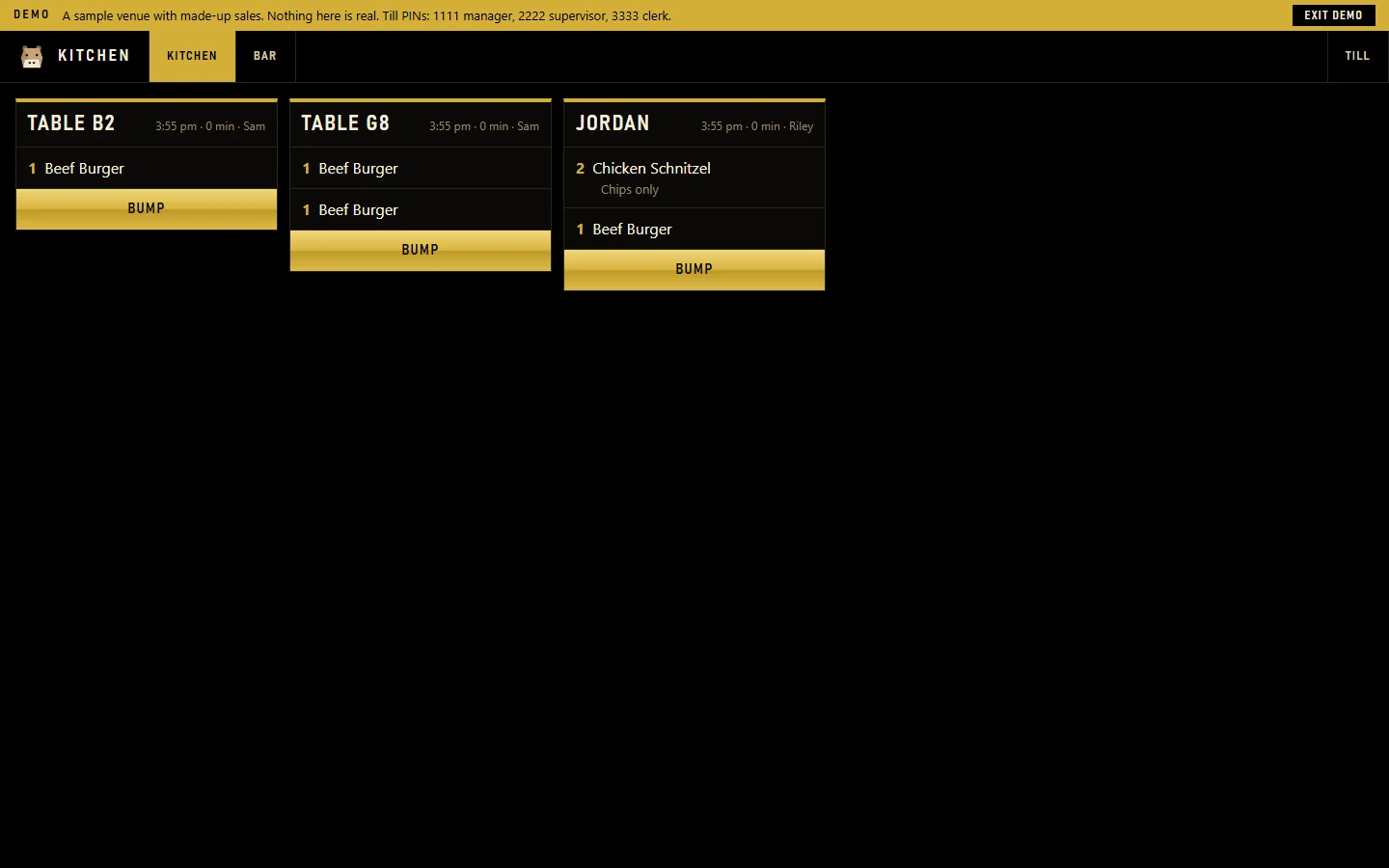
- Kitchen and bar screens
- A docket for each send, coloured by its age. Touch an item or bump the whole docket.
- Prices that follow the clock
- Price levels and schedules, so happy hour starts and ends by itself.
- Approvals and shifts
- Discounts, voids and refunds need a supervisor’s PIN. Each shift has a float, cash in and out, and a close with counted cash and variance.
- Back office
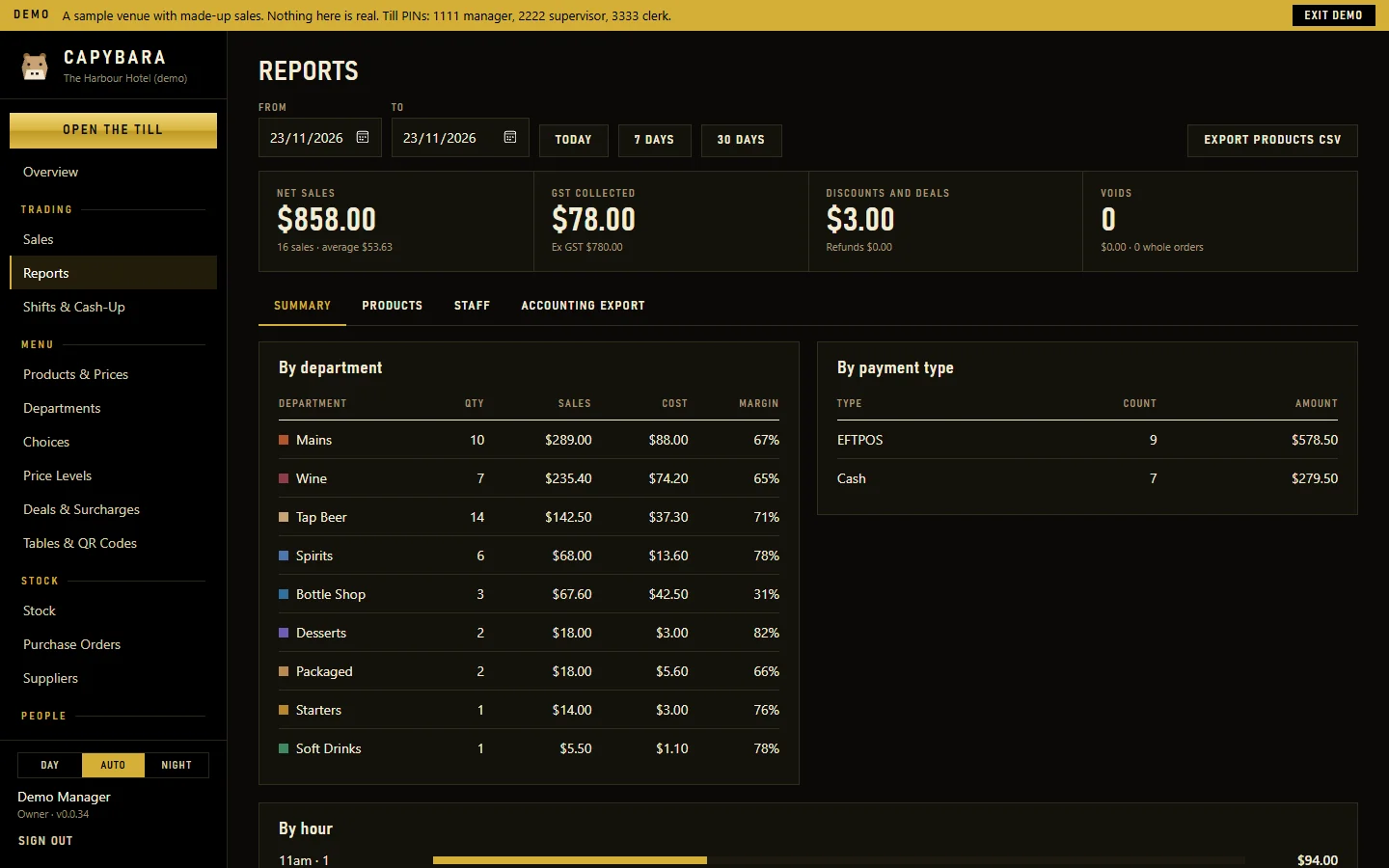
- Sales reports by department, product, staff and hour, stock and suppliers, and members with points.
Working together
Capybara with the others.
Capybara works by itself. These links are there when you run it beside another Habitat Software product: tick the ones you want during set-up.
- Culpeo: Capybara posts bar and restaurant bills to Culpeo folios.
- Caiman: Capybara sales take stock out of Caiman.
- Chinchilla: One staff list and PIN for the till and for clocking in.
- Coati: Coati checks that Capybara is answering and raises an alarm if it stops.
Getting Capybara
Sized, hosted and set up for your business.
- Sized for you
- The yearly cost follows the number of terminals, so a small business does not pay for a large one.
- Where it runs
- On a computer at your business, or hosted for you in the Cloud. You choose when you ask for an estimate.
- By itself or in the bundle
- Capybara works by itself. Bought with other products it joins the bundle: one proposal, one set-up and one renewal date, with a larger discount the more products are on the contract.
- Set up once
- Your business details, contacts and first administrator are asked once, then one step for Capybara. Training is booked for each department before go-live.
See what Capybara would cost.
Tick Capybara, enter your number of terminals, and the estimate does the sum. No sign-in.
Get an Estimate